The last three metres
A gigabit lands at the wall box and dies quietly in the hallway. The network's real bottleneck is almost always inside the building.
01The air is the medium, and air is lossy
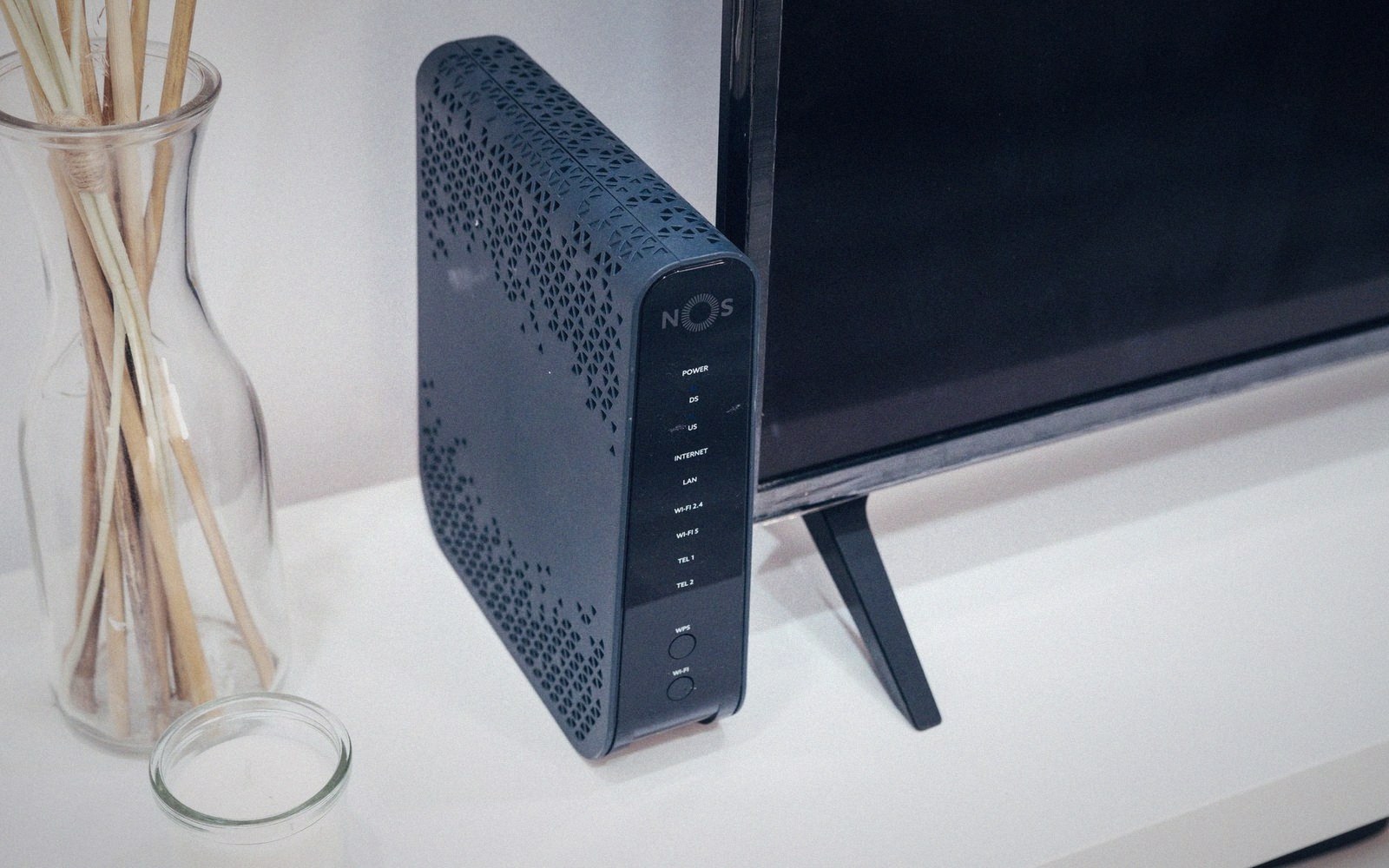
Operators spend years securing wayleaves, weeks trenching, and hours splicing to deliver a clean gigabit to the network termination point on the wall. Then a router sits in a cupboard under the stairs, and half the house can barely stream in HD. The problem is not the access network. It has been the problem since Wi-Fi became the default last link, and it does not get easier as headline speeds climb.
Radio propagates according to physics, not to floor plans. The 5 GHz band carries more capacity than 2.4 GHz but attenuates faster — one interior wall can cost 10–15 dB, which on a lossy day is the difference between a usable link and a spinning wheel. Plasterboard, brick, reinforced concrete and old foil-backed insulation each impose their own penalty. A Victorian terrace with solid-brick party walls and a router at one end is a controlled experiment in signal extinction. The client at the far bedroom is not on the same network in any useful sense.
What typically goes wrong
- Router placement at the incoming duct rather than the building's centre
- 5 GHz attenuation through solid brick or reinforced concrete
- Mesh nodes with shared backhaul and client bands, cannibalising throughput
- Powerline or MoCA adapters constrained by degraded legacy wiring
Wi-Fi 6 and Wi-Fi 6E raise the ceiling considerably — 6E opens the 6 GHz band, giving more non-overlapping channels and less interference from neighbours — but they do not repeal the inverse-square law or make masonry transparent. A faster standard in the same wrong location remains wrong. Router placement is, in this sense, a network engineering decision, and it is one that installers rarely get to make. The customer shows them where the socket is, and where the router goes is where the socket is, which is usually the worst place in the building.
02Mesh is a fix, not an excuse to stop thinking
Whole-home mesh systems are the practical answer for most residential deployments. A set of two or three nodes placed thoughtfully — one per floor, or one either side of a problematic wall — genuinely flattens the coverage map. The backhaul between nodes matters enormously: a mesh running its inter-node links on the same band as client traffic is cannibalising its own throughput. Dedicated backhaul, whether a third radio band or a wired Ethernet connection between nodes, keeps the client bands clean.
Wired Ethernet remains the cleanest answer wherever it is available. A gigabit over Cat 5e or Cat 6 to a well-placed access point gives deterministic performance that no amount of radio engineering quite replicates. The problem is that wiring a house after it is built is disruptive and expensive, so most installations rely on wireless backhaul as the practical compromise. Powerline adapters and MoCA adapters over existing coax are middle-ground options — better than a single router in a cupboard, worse than structured cabling, and entirely dependent on the quality of the existing wiring.
The emerging discipline here is treating the in-home network as the final segment of a continuous end-to-end design rather than the customer's own problem once the fibre is in. Some operators are beginning to include managed Wi-Fi, remote diagnostics and access-point placement guidance as part of the residential product. The motivation is commercial as much as technical: a subscriber who cannot get the speed their plan promises will blame the operator regardless of where the fault actually lives.
03What the installer can actually do
On the day of installation, the variables are limited but real. The router or optical network terminal should go as close to the centre of the building as cabling allows, not as close to the incoming duct as possible. If a second Ethernet port is wired to a back room or an upper floor, use it. Advise the customer on the trade-offs of the 2.4 and 5 GHz bands — the older band travels further and corners better; the newer one is faster over short distances. These are five minutes of conversation that can prevent months of support calls.
A gigabit is a headline. What the customer experiences is whatever survives the last three metres of air.
The options, in rough order of performance
- Wired Ethernet to a well-placed access point — best, least common
- Mesh system with dedicated (wired or tri-band) backhaul — practical for most homes
- Mesh or powerline on shared bands — an improvement, with caveats
- Single router at the socket — the default, and usually the worst outcome