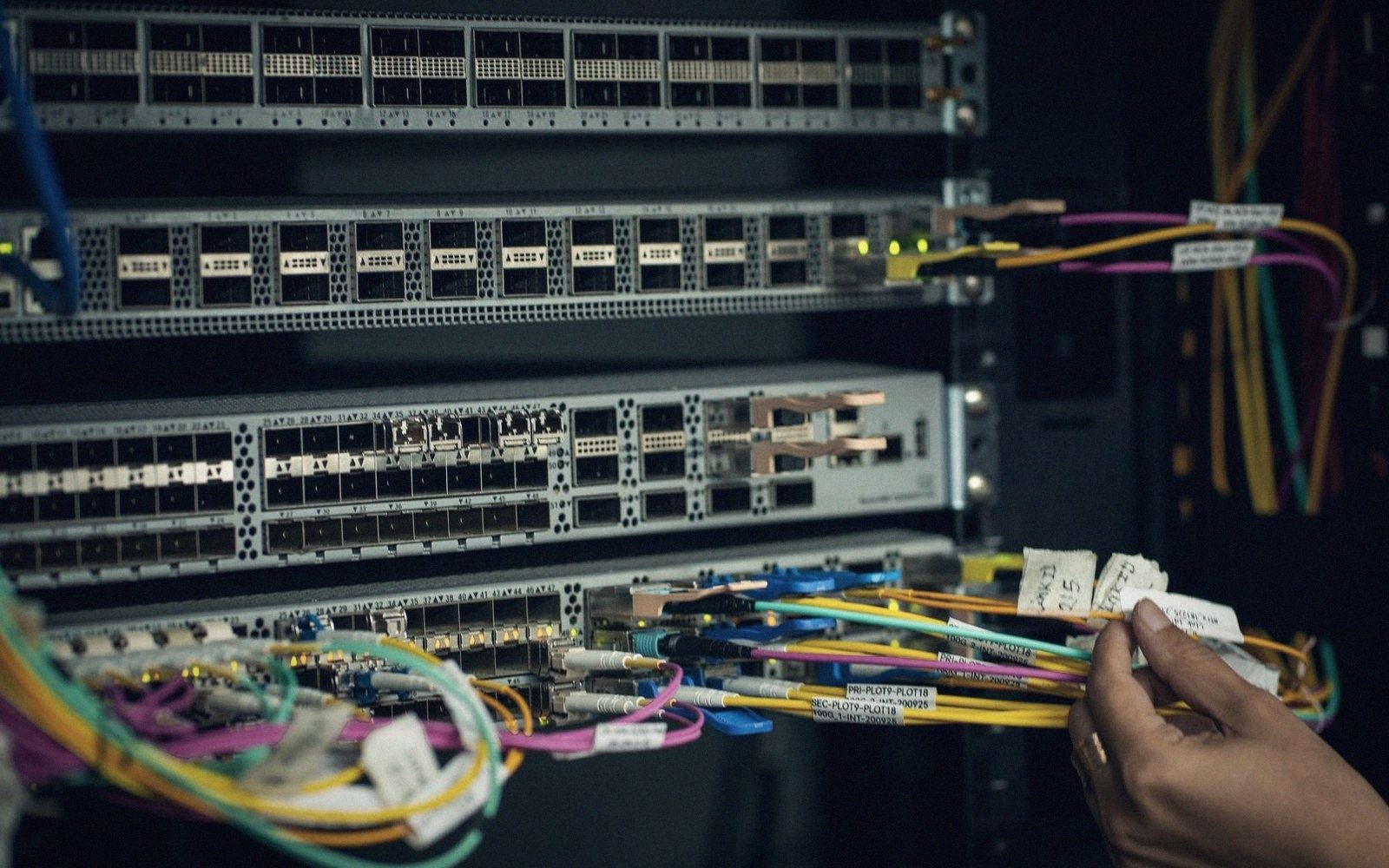
Wiring a house
Structured cabling is the unglamorous answer that wireless keeps promising it doesn't need.
01The wire wins quietly
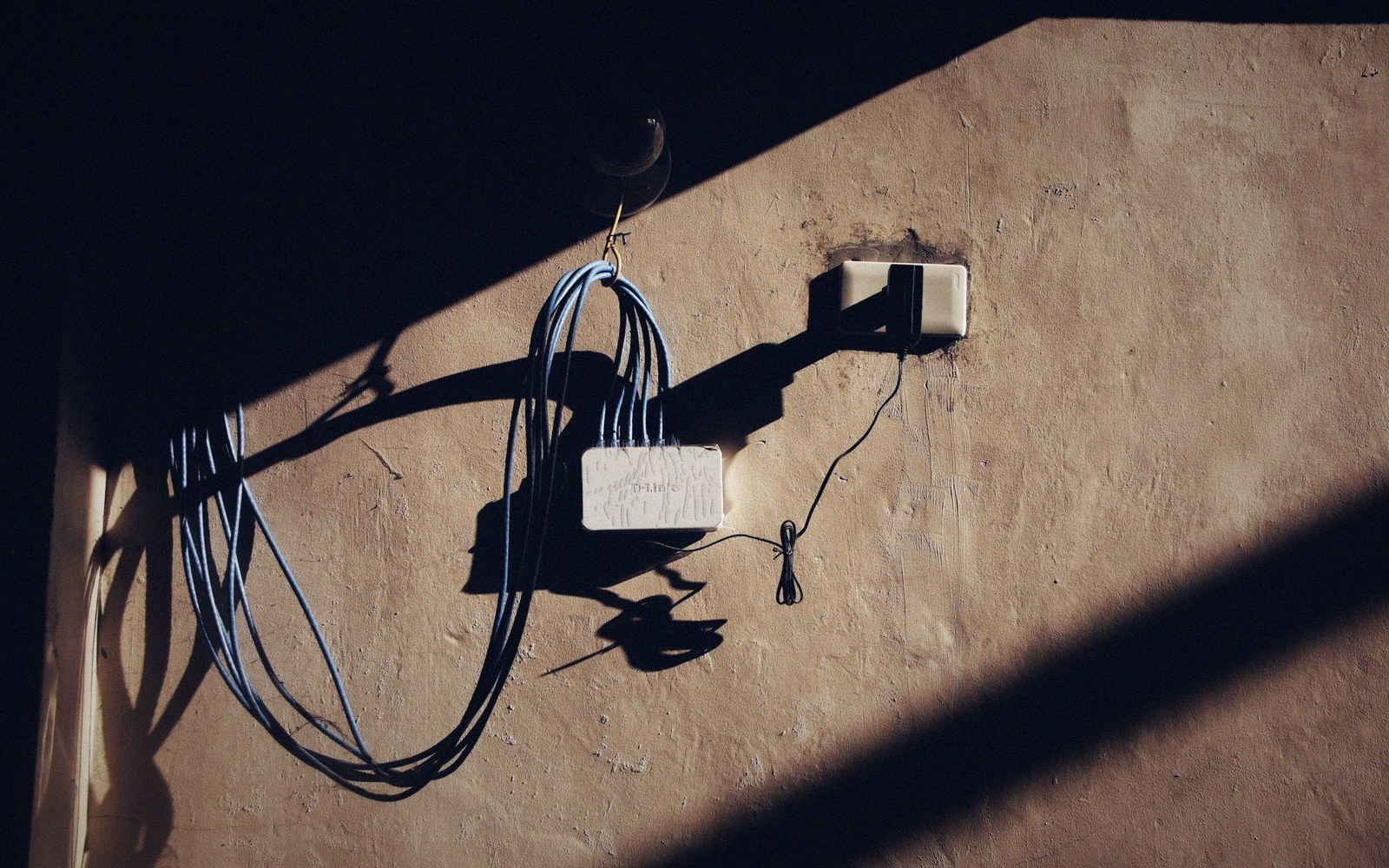
Every wireless standard arrives with promises sufficient to make Ethernet seem redundant, and none of them has made it redundant. Walls attenuate. Neighbours compete. Microwaves, baby monitors and Bluetooth conspire on the 2.4 GHz band. A television streaming 4K, a gaming console and a video-call in the next room pull in opposite directions, and the router in the hallway — almost always the worst possible location — tries to serve them all.
The practical answer is a short run of Cat 6 to wherever contention bites hardest: the home office desk, the living-room AV cabinet, the access point mounted high in the ceiling rather than sitting on a shelf breathing its own reflections. Cat 6 to 100 metres handles anything a residential gigabit service can deliver today and tolerates the slightly loose terminations a careful amateur produces. Cat 6A extends headroom to 10 Gb/s at the same distance, which matters only if your terminations are genuinely good and your patch panels are the same standard — mixing grades at the connectors squanders the upgrade.
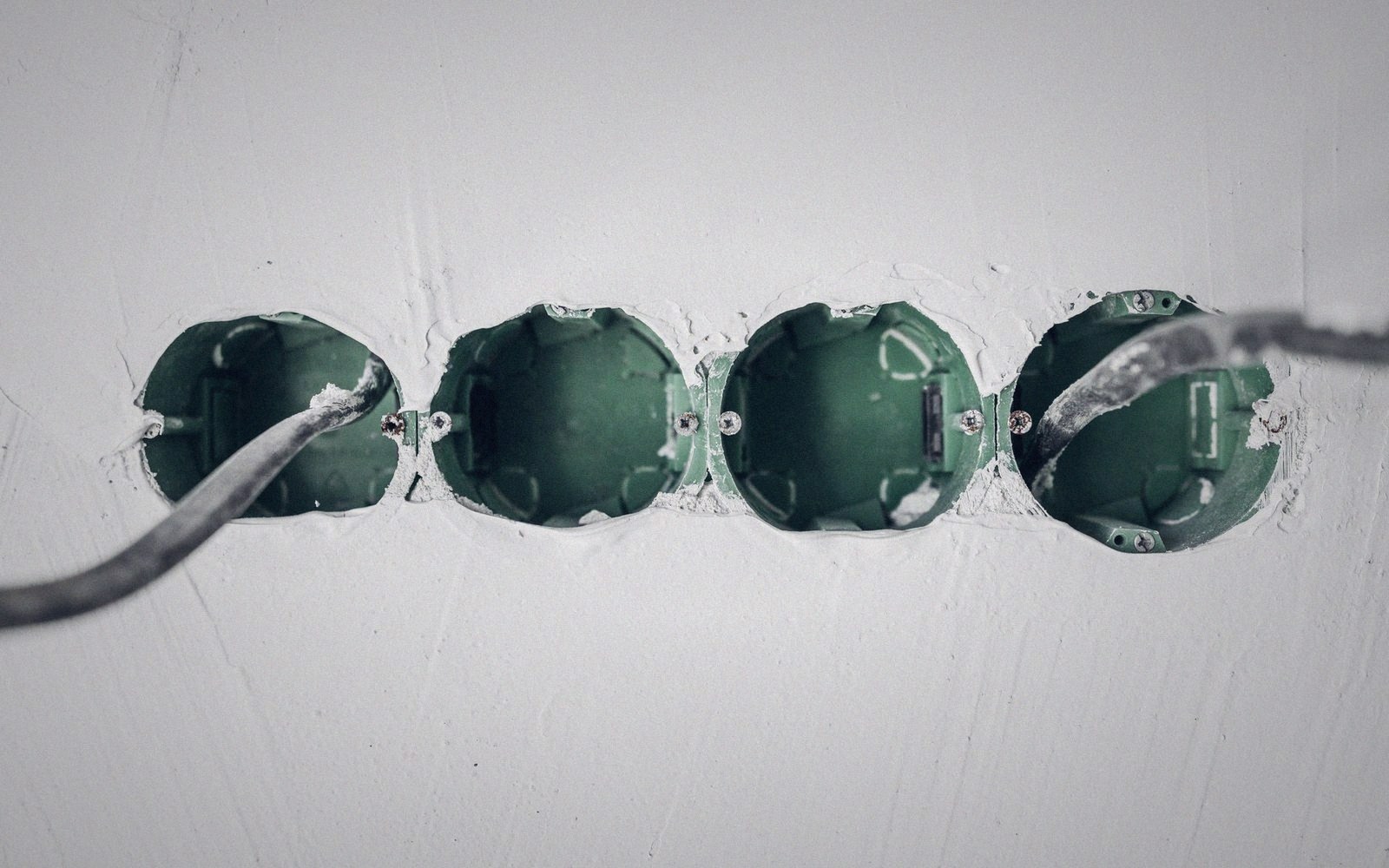
The topology is a star from a small patch panel or switch in a cupboard, not a daisy-chain of sockets. Daisy-chains look neater in the wall and are miserable to fault-find. From the central point, each room gets its own home run; the installer pulls all the cables before boarding commences, which is the only economical moment to do it in an existing house. In a new build the window is wider, but the temptation to skip it is stronger because the walls are clean and wireless sounds like enough.
Cable routing matters. Power cables induce noise; run data cables at least 50 mm away and cross them at 90 degrees rather than alongside. Where conduit is used — sensible in any renovation — a 20 mm tube per cable run gives future access without replastering.
Termination is where most failures sit. A poorly crimped RJ-45 or a punch-down block with one conductor proud of its contact produces a link that negotiates down to 100 Mb/s or drops intermittently under load — both faults that are easy to overlook until someone actually stresses the connection. A simple cable tester costs almost nothing and catches split pairs and opens before the plasterboard goes back on.
The network still ends at the wall box and the router's position still governs what wireless can reach — but cable handles the heavy lifting, and wireless does what it was always better suited for: serving devices that move.
Materials and method
- Cat 6 — unshielded twisted pair; adequate for gigabit over 100 m, handles typical residential termination tolerances
- Cat 6A — extends reliable performance to 10 Gb/s; only worthwhile if connectors and patch panels match the grade
- Star topology — all cable runs home to a central panel; required for clean fault isolation
- Home run — a single continuous cable from central point to outlet, no joins or daisy-chains
- Conduit — 20 mm tube per run; adds cost during install, saves replastering on future changes
- 90-degree cable crossing — the correct way to pass data cable near power without running parallel

What goes wrong
- Mixed grades at connectors — negates the advantage of the higher-spec cable
- Daisy-chain wiring — simpler to install, painful to fault-find
- Proximity to power cables — induces noise; maintain 50 mm separation or cross at right angles
- Poor punch-down or crimp — most common source of a link that silently negotiates to 100 Mb/s
- Skipping a cable tester — faults that are obvious before boarding become expensive afterwards